



ChristianHits.Net - How To Listen
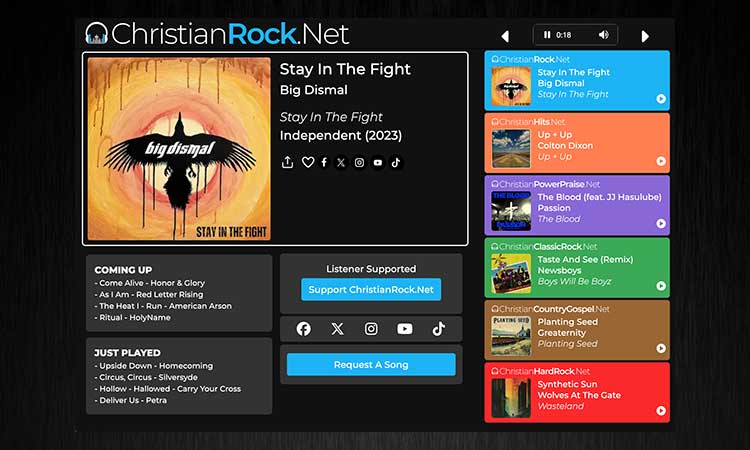
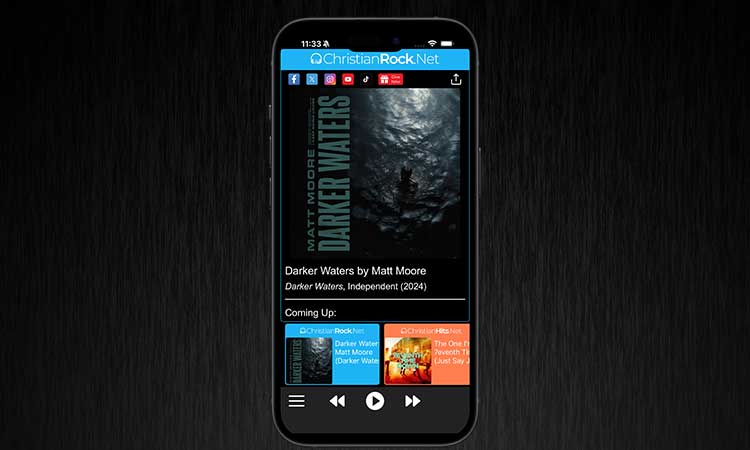
iPhone
Download the ChristianRock.Net app.
Supports Apple CarPlay.

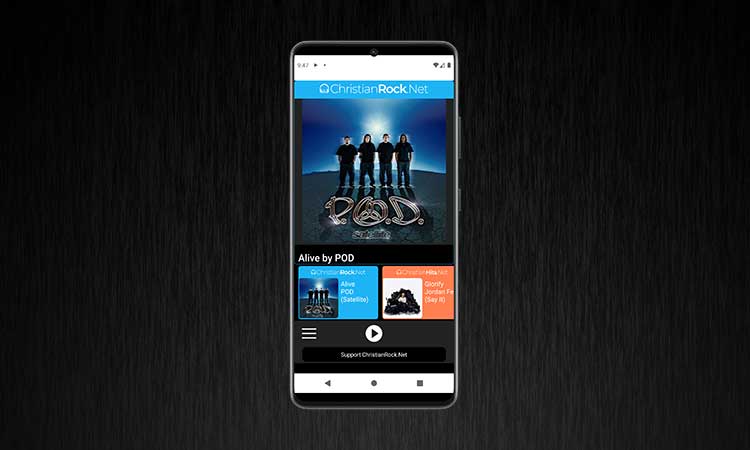
Android
Download the ChristianRock.Net app.
Supports Android Auto.

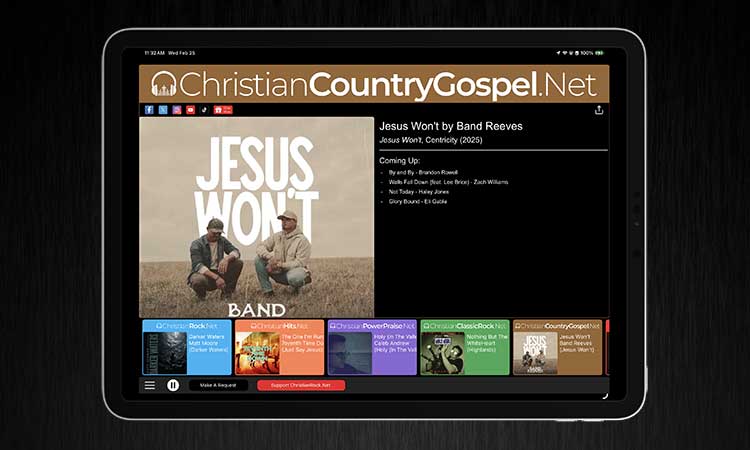
iPad
Download the ChristianRock.Net app.
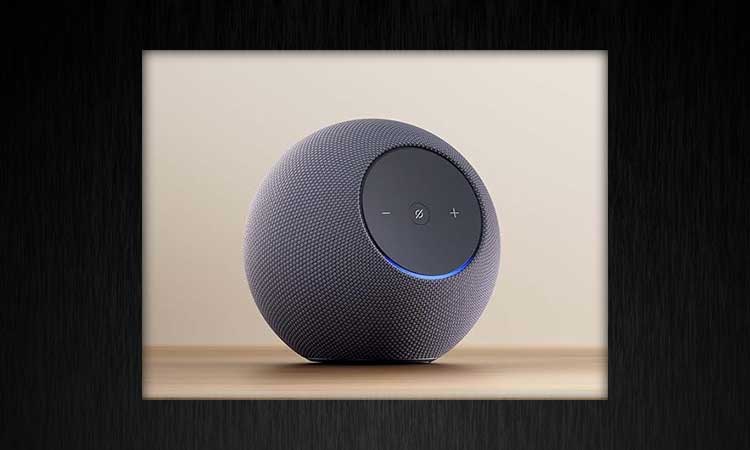
Alexa
Speak "Alexa enable the 'Christian Rock Dot Net' skill". Once enabled simply say "Alexa play Christian Rock Dot Net".

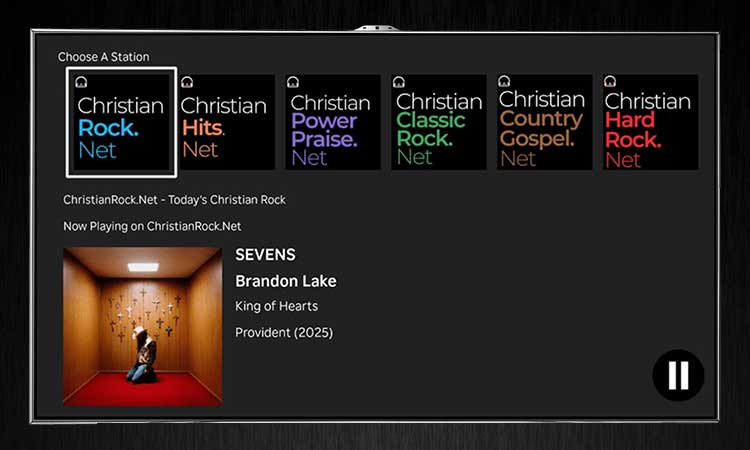
Roku
Listen on your Roku TV

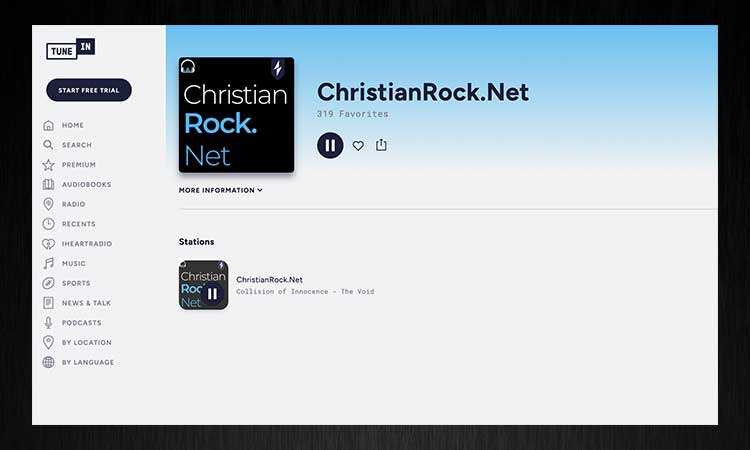
TuneIn
Listen on your computer, browser or car using TuneIn

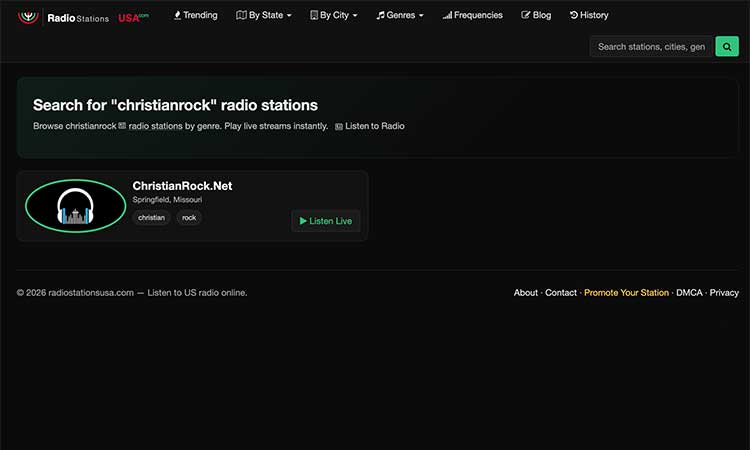
RadioStationsUSA.com
Listen on your computer, browser or car using TuneIn

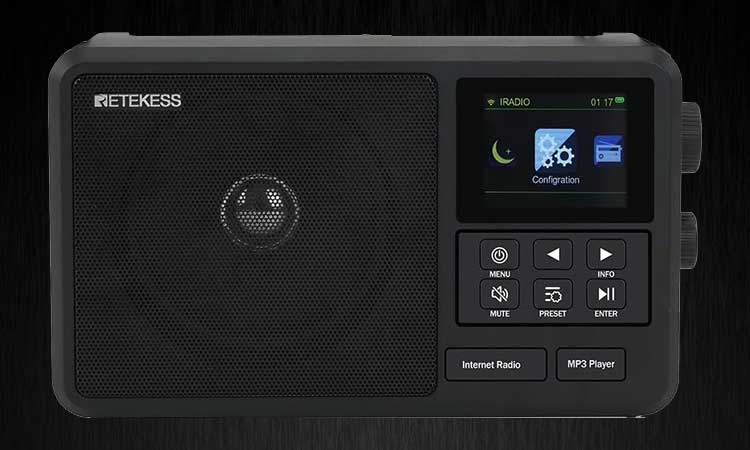
Other Audio Player
Open the program and find the option to play a stream and then put in one of the following 3 addresses:
High Speed AAC:
https://listen.christianrock.net/stream/12/
https://listen.christianrock.net/stream/12/
High Speed MP3:
https://listen.christianrock.net/stream/5/
https://listen.christianrock.net/stream/5/
Low Speed MP3:
https://listen.christianrock.net/stream/6/
https://listen.christianrock.net/stream/6/